How to Label Your Images for Google

We don’t need to tell you how important it is for your website to be SEO optimised to rank highly within Google searches, but don’t forget your images, these too now get picked up in the search results if labelled and includes a relevant description.

They say a picture paints a thousand words and whilst Google in the past may have overlooked images, that is no more! Google have plans to further prioritise images within their search.

So, what does this mean? Well, to put it simply Google has further opened the door to another avenue for optimisation and whilst it may seem daunting to get your site up-to-date if your website is very image heavy, it offers you a way to maximise its performance.

Now we know the importance and why, the next question is how and here is the good news, it is not hard to do, it just can be a little time-consuming. There are three things to think about – the file name, the title tag and the ALT tag.

We don’t need to tell you how important it is for your website to be SEO optimised to rank highly within Google searches, but don’t forget your images, these too now get picked up in the search results if labelled and includes a relevant description.

They say a picture paints a thousand words and whilst Google in the past may have overlooked images, that is no more! Google have plans to further prioritise images within their search.

So, what does this mean? Well, to put it simply Google has further opened the door to another avenue for optimisation and whilst it may seem daunting to get your site up-to-date if your website is very image heavy, it offers you a way to maximise its performance.

Now we know the importance and why, the next question is how and here is the good news, it is not hard to do, it just can be a little time-consuming. There are three things to think about – the file name, the title tag and the ALT tag.

The File Name

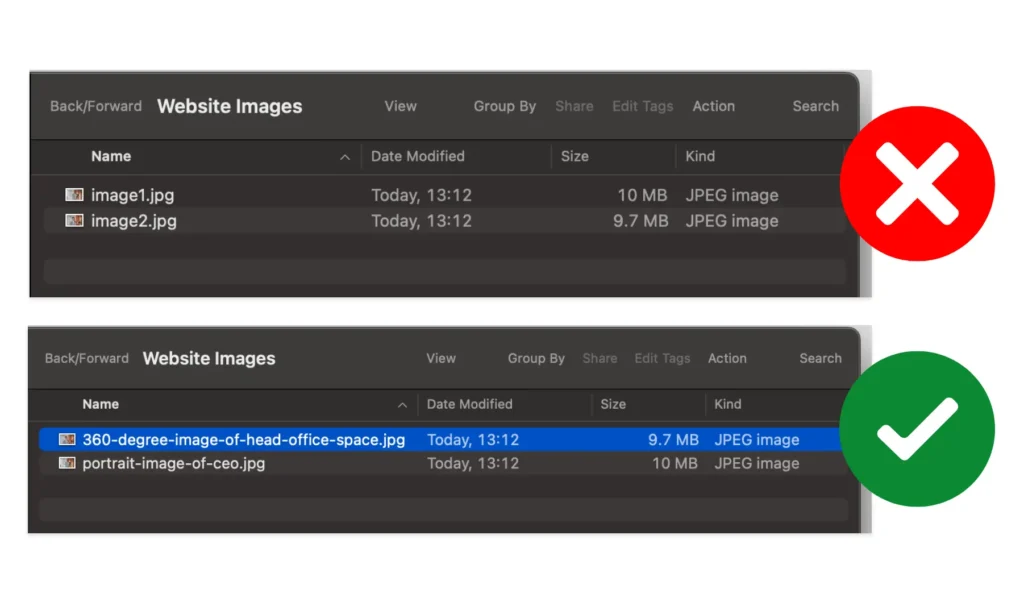
file names containing description, for example portrait-image-of-ceo.jpg

The file name that you give to your image, for example “Image1.jpg” does not tell Google anything, but if it was, for example: “360-degree-image-of-head-office-space.jpg” this tells Google exactly what the image is representing.

Creating keyword-rich file names is absolutely crucial and alerts Google crawlers as to the subject matter of the image.

Title Tag

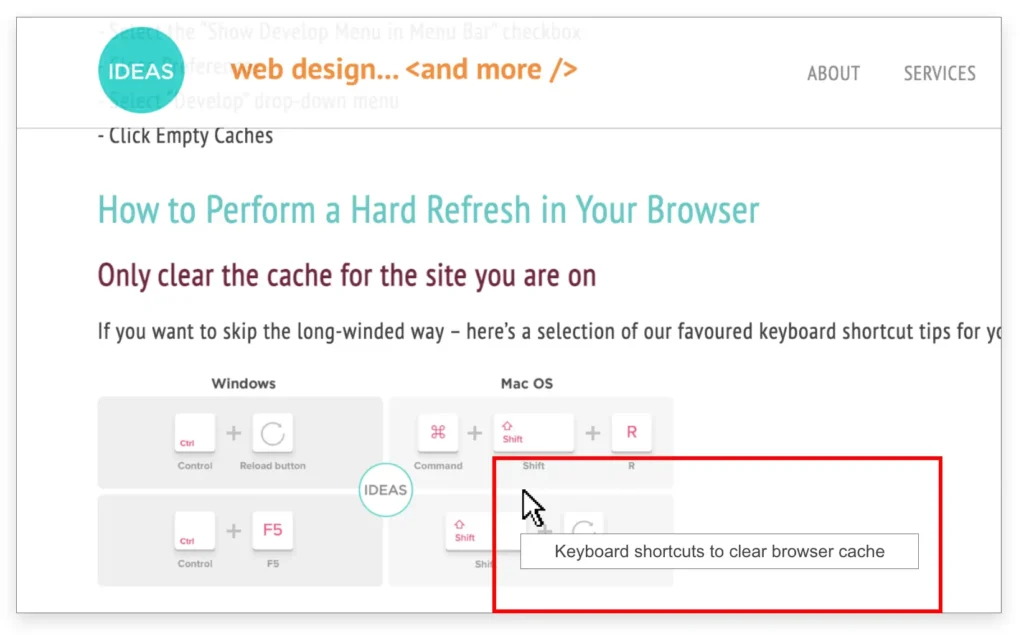
The Title tag is the text that appears in a small popup when you hover over an image, but most modern WordPress themes and page builders don’t display it anymore.

This is because hover-based titles are not considered accessible – many devices don’t support hovering, and screen-readers generally ignore title attributes.

As a result, the Title tag should not be relied on to explain an image or improve SEO.

If you need visible supporting text, add a caption or a short line of on-page copy.

Title tag appearing on hover on web page

The ALT Text

Alt text example

The ALT text (Alternative Text) are used within an HTML code to describe the appearance and function of an image on a page.

Good and relevant ALT text is also vitally important and is often overlooked as part of the overall on-page SEO strategy. For example: “Table of Windows and Mac keyboard shortcuts to clear website browser cache” will further allow Google to rank your images. It is important to make your Alt text relevant to the images and to the page on the website that the image is on, Google is very smart and will look to make sure the page as a whole is relevant. The ALT text is also what screen-readers use to read aloud the descriptive text for users with visual disabilities.

It’s also good practice to add ALT text because this will still show if the image is not displayed or failed to load for any reason so users will still see what the image is supposed to be, similar to the image below:

Accessibility Considerations

When adding images to your website, it’s important to consider accessibility as well as SEO.

Hover-based title text is not reliable, as many users browse on devices without hover capability and most screen-readers ignore title attributes altogether.

Instead, clear and descriptive image names and well-written ALT text are essential.

ALT text is read aloud by assistive technologies, acts as a fallback if an image fails to load, and helps search engines understand the content.

If an image needs extra explanation, include a caption or brief on-page text rather than relying on a title tag that many visitors will never see.

Our CMS is Setup For You to Update Your Images

If you are a user of our CMS or WordPress, then it is a breeze to update. All you need to do is ‘login’, click on the ‘images’ section, select your image and then you will be given the ALT text option. Simply update this to be relevant to the image and the page on which that image appears and you are done!

Need help labelling your images for Google?

We are more than happy to guide and instruct you on how to fully optimise your website so that you can take advantage of all the opportunities that come your way!

Request this Merch